The Ultimate Motion Workstation
for the Modern Animator
Automate the most tedious 80% of your motion graphic workflow. Combine physics-based easing, 1-click animation macros, deep scene rigging, and floating quick-action toolbars into a single context-aware panel.
God-Tier Motion Graphic Capabilities
Engineered to simplify your timeline, eliminate menu clicking, and automate complex ExtendScript math.
Quick-Action Floating Toolbar
A dockable mini toolbar bringing Nulls, Solids (with color picker), Adjustment, Shapes, Text, and Camera Rigs directly to your cursor.
NEW IN V2.2Context-Aware Auto-Focus
The UI engine auto-detects what you select in After Effects. Select text -> Auto-opens Text FX; Select keyframes -> Auto-opens Easing Studio.
NEW IN V2.2Expanded Text FX & Dual Toggle
Bypass Adobe Text Animator menus with Vercel Blur, AI Decrypt, Glitch In, 3D Char Flip, and Character (CH) / Word (WD) granularity.
Auto-Box Responsive Macro
Generates a perfectly aligned shape layer background box driven by sourceRectAtTime() that auto-resizes as text changes.
2.5D Parallax Camera Push
Auto-converts 2D layers to 3D, staggers them along the Z-axis, and scales them proportionally to keep your framing 100% pixel-accurate.
PRO FEATUREMulti-Panel Routing (Panels 1–5)
Run up to 5 real-time synchronized panel windows across multi-monitor setups with remote seat release control across 2 workstation devices.
PRO FEATUREFree (Lifetime) vs. Pro Feature Matrix
Compare capabilities between the Free Forever Plan and Lifetime Pro License.
| Feature / Tool | Free Plan (Freemium) | Pro License ($) ⚡ |
|---|---|---|
| Duration & Seat Slots | Lifetime Free (1 Device) | Lifetime (2 Seats) |
| Introductory Launch Promo | 30% OFF Window | Included |
| Basic Layer Utilities (Nulls, Solids, Adj Layers, Shapes, Text) | ✅ Unlocked Forever | ✅ Unlocked |
| Center Anchor Point & Center in Comp | ✅ Unlocked Forever | ✅ Unlocked |
| Basic Easing Curves (Linear, Sine, Quad, Expo) | ✅ Unlocked Forever | ✅ Unlocked |
| Get Ease Timeline Sampler | ✅ Unlocked Forever | ✅ Unlocked |
| Basic Animation Presets (First 50% IN/OUT Macros) | ✅ Unlocked Forever | ✅ Unlocked |
| Color Palette Extractor (Hex Swatches) | ✅ Unlocked Forever | ✅ Unlocked |
| Quick-Action Floating Toolbar (Core Utilities) | ✅ Unlocked Forever | ✅ Unlocked |
| Auto-Box (Expression-driven responsive text box) | 🔒 Pro Only | ✅ Unlocked |
| 2.5D Parallax Push (Auto 3D & Z-depth scaling) | 🔒 Pro Only | ✅ Unlocked |
| Link to Master Null (1-click slider controller binding) | 🔒 Pro Only | ✅ Unlocked |
| Bouncr Procedural Physics Engine (Spring, Wobble, Canvas) | 🔒 Pro Only | ✅ Unlocked |
| Advanced Easing Curves (Cubic, Quart, Quint, Circ) | 🔒 Pro Only | ✅ Unlocked |
| Sequence / Stagger Layers (Waterfall delay by frame count) | 🔒 Pro Only | ✅ Unlocked |
| Camera Rig Generator (3D Camera + Controller Null) | 🔒 Pro Only | ✅ Unlocked |
| Clear Selected Expressions | 🔒 Pro Only | ✅ Unlocked |
| Advanced Text FX Library (Vercel Blur, AI Decrypt, Glitch) | 🔒 Pro Only | ✅ Unlocked |
| Context-Aware Workspace Auto-Focus | 🔒 Pro Only | ✅ Unlocked |
| Multi-Panel Routing (Panels 1 – 5 simultaneous instances) | 🔒 Pro Only | ✅ Unlocked |
| Remote Seat Release (Manage device seats remotely) | 🔒 Pro Only | ✅ Unlocked |
The Creator Tools Roadmap
We are actively building the future of motion design workflows. Here is where we've been, and where we're going.
The Foundation
Basic utility launch. Core layout snapping and baseline animation macros.
The Studio Update
Feature-packed release. Expression baking, custom color palettes, and UI overhaul.
The Ultimate Workstation
Current release featuring Quick-Action Floating Toolbar, Context-Aware Auto-Focus, Bouncr Physics, Text FX, and Multi-Panel Routing.
AI Assistance & Cloud Ecosystem
Integration with local LLMs to generate complex AE rigs, automated scene diagnostics, and expanded preset cloud sync.
Rs. 3,150
Rs. 4,500Fetching live USD value...
Lifetime Access / 2 Devices / One-Time Payment
The first 2000 licenses receive an exclusive 30% discount. Once these limited licenses sell out, the price permanently returns to Rs. 4,500. Secure yours now.
- Quick-Action Floating Toolbar (Panel 5)
- Context-Aware Auto-Focus Workspaces
- Auto-Box & 2.5D Parallax Rigs
- Bouncr Physics Engine & Easing Studio
- 2 Computer Authorization & Remote Seat Release
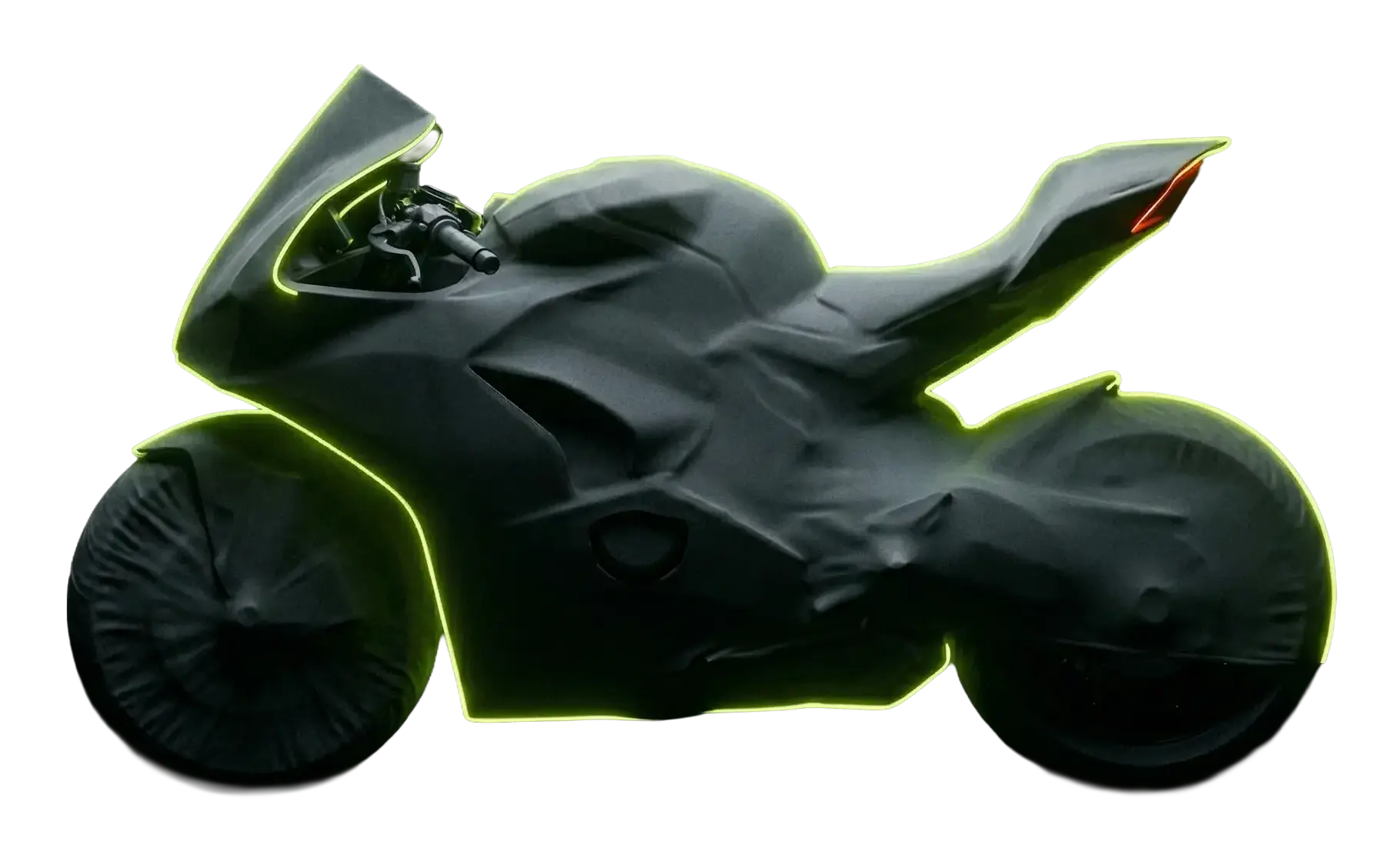
The Dream Bike Fund
I built this tool to automate the tedious parts of our jobs. Every license directly supports my goal of replacing my old gear with a new sportbike. Support the build.
Frequently Asked Questions
What versions of After Effects are supported? +
TC Creator Tools Pro v2.2 requires Adobe After Effects CC 2021 (v18.0) or newer. It is fully compatible with both Windows and macOS (including native Apple Silicon support).
How does the Free Lifetime Version work? +
You get lifetime free access to essential workflow tools (Nulls, Solids, Shapes, Center Anchor, Basic Easing, Quick Toolbar) on 1 device. No credit card is required. Upgrade anytime to unlock all Pro features with lifetime 2-device access!
How many computers can I use with 1 Pro license? +
Each TC Creator Tools Pro license includes 2 active device seats (e.g. workstation desktop & laptop). With v2.2 Remote Seat Release, you can unbind devices anytime in Settings to transfer seats.
Is this a subscription or one-time payment? +
No subscription! The Pro license is a 100% one-time purchase for lifetime access. All v2.x updates and improvements are included for free.
What is Multi-Panel Routing (Panels 1 – 5)? +
v2.2 supports running up to 5 independent instances of Creator Tools Pro simultaneously across multi-monitor setups. You can dock the main panel on one display and keep floating toolbars on secondary screens.
How do I install the extension? +
You will receive a .zxp installer file upon purchase or free download. You can install it in seconds using AEScripts ZXP Installer or Anastasiy's Extension Manager.